What Gullivr is, and the loop it exists to break
A trip planner with a real interface that your AI agent can also drive — so the plan you build by chatting and the plan you actually travel with are the same plan.
Pasquale 4 min read

Plan a trip with an AI and you will recognise this.
You describe where you are going. It comes back with something genuinely good: an itinerary with the museums in a sensible order and a note about which day the market is on. You are pleased. Then you have to put it somewhere.
So you copy it into a travel app. By hand, because there is no other way. Then a friend recommends a restaurant, you add it, and you move two things around to fit it in. Now the app knows your real plan and the AI does not. Next time you ask it something you paste the whole itinerary back into the chat, prefixed with "I changed things, day 3 now looks like this".
Chat. App. Retype. Chat again.
Why the usual fix does not fix it
Travel apps have noticed, and the answer has been to build an assistant inside the app. That solves the copying and introduces a different problem: you get their assistant. Their model, their prompt, their idea of what a good itinerary looks like, and, depending on the app, a second subscription on top of the one you already pay for.
Gullivr does the opposite. There is no AI inside it. Instead it exposes everything it can do as a tool an outside agent can call: create a day, add a place, reorder stops, find a hotel, save a flight. You bring the assistant you already use and already trust.
So what is it, concretely
A trip planner with an ordinary, complete interface. You can use the whole thing and never connect an agent at all.
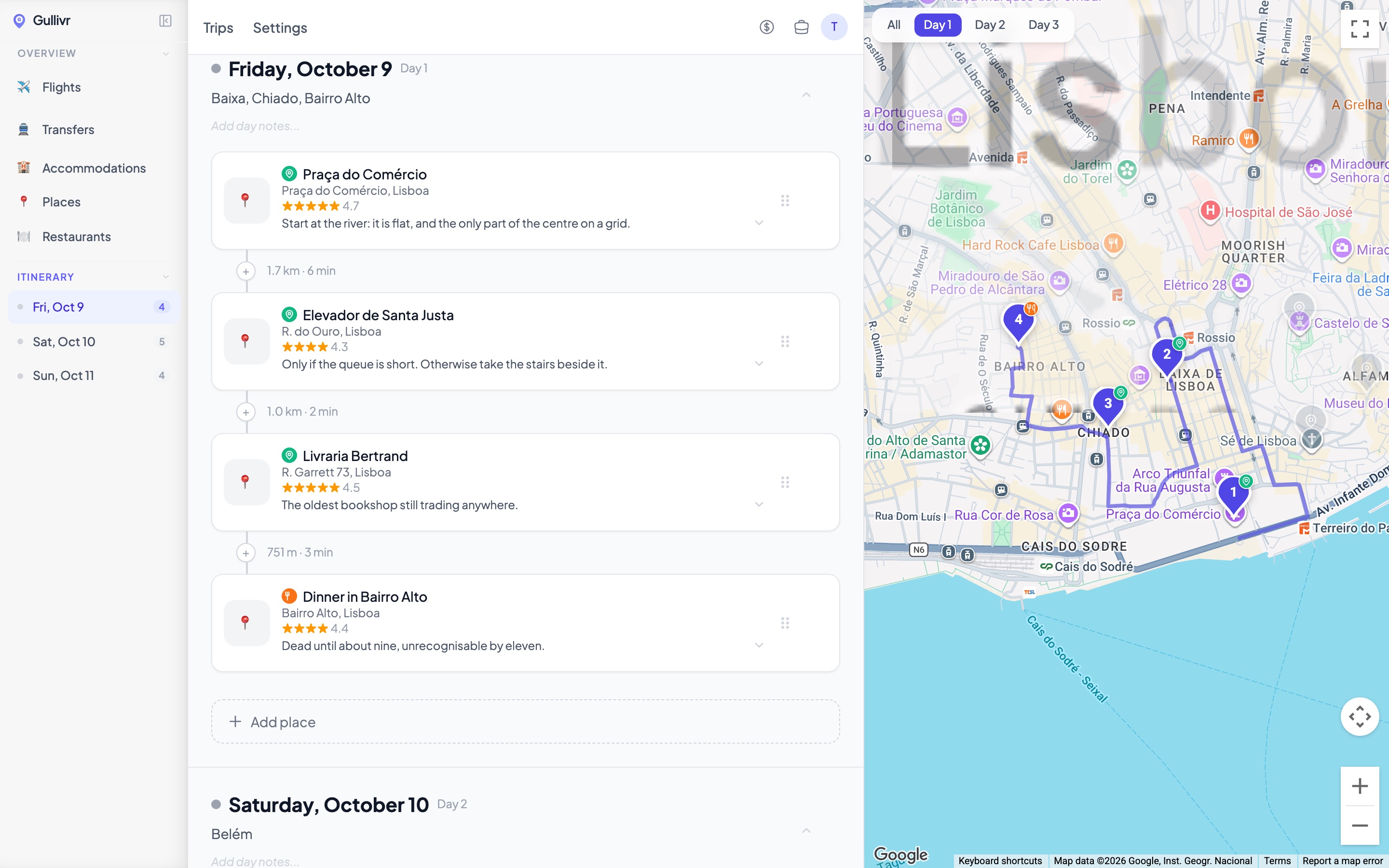
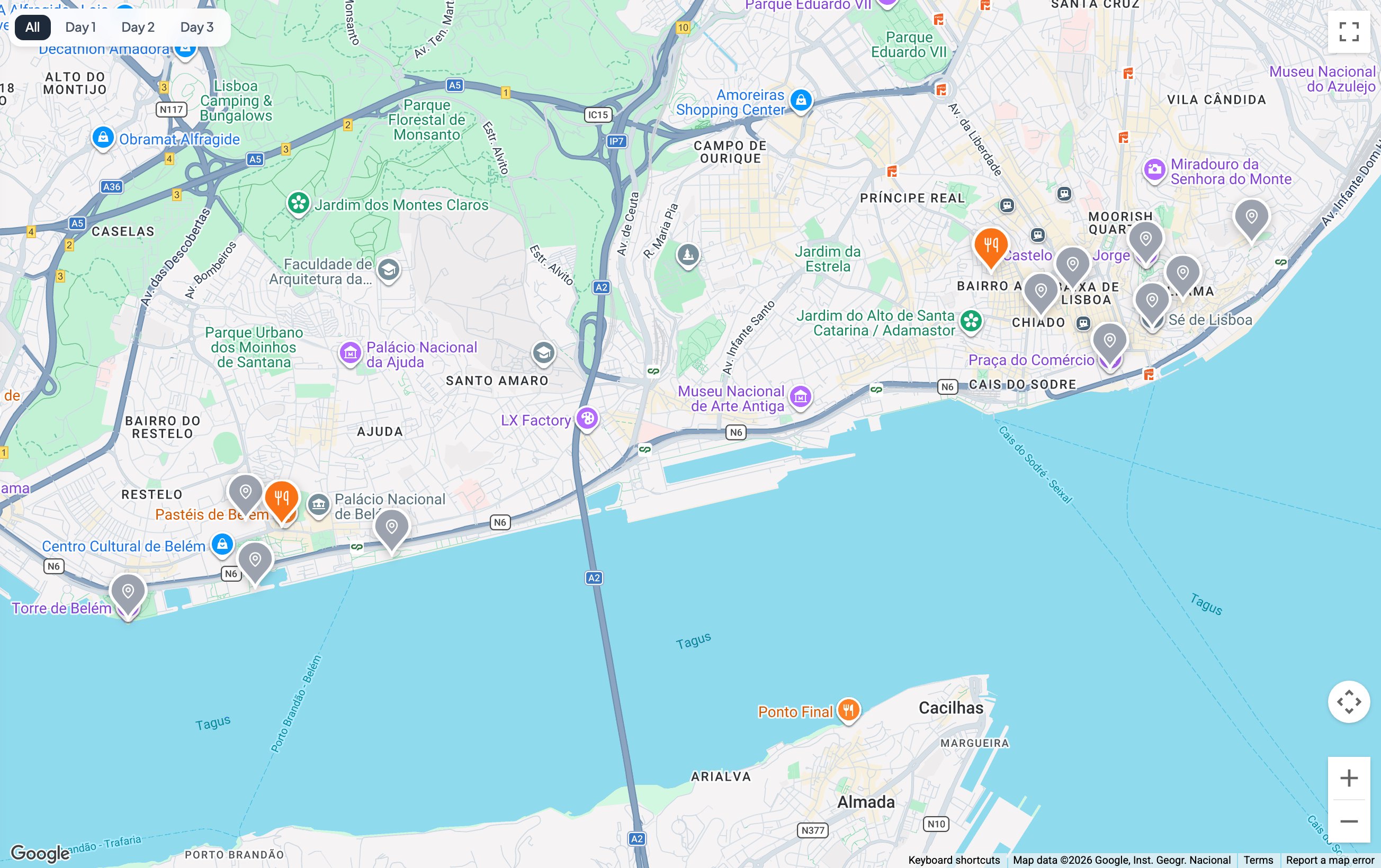
That is one day of a three-day Lisbon trip, the same itinerary as our Lisbon guide, which is where the notes come from. Two things worth noticing. The stops are numbered on the map in the order you walk them, so a day that zigzags looks wrong immediately. And between consecutive stops there is a real distance and time, computed from where they actually are: 1.7 km, then 1.0 km, then 751 m. Lisbon is the city where that matters: two stops a few hundred metres apart can be a hundred metres of climb.
Around that sit the parts a trip actually needs: flights and transfers, accommodation, a packing list, and expenses that settle up between whoever came along. Trips are shareable two ways. A public read-only link for people who only want to see the plan, and a real invite with an editor or viewer role for the people building it. We wrote about how that split works separately.
And then the agent
Connect one, and it acts on your trips with your permissions. "Find three restaurants near the hotel and put them on day 3" creates real entries in the real app, the same ones you would have added by hand, visible immediately to anyone else with the trip open.
Plenty of things will write you an itinerary. What is different here is where it gets written: into the plan you are actually travelling with, so there is nothing left to copy and nothing to re-explain. The agent works inside the trip, not in a separate window whose output you have to move by hand.
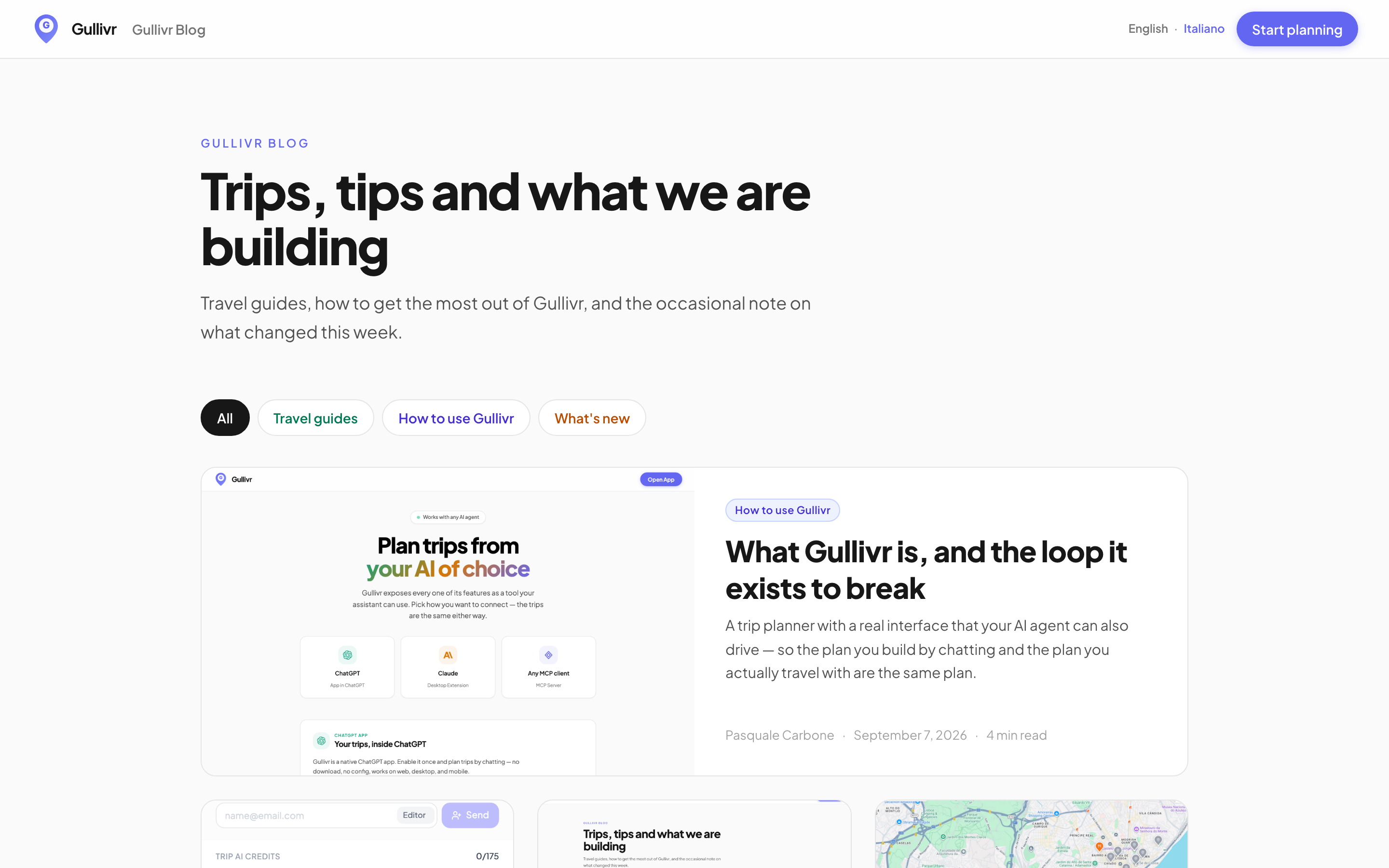
Three ways to connect, and the trips are the same whichever you pick:
- ChatGPT — Gullivr is a native app inside it. Enable it once, nothing to install.
- Claude — a desktop extension.
- Anything else that speaks MCP — point it at the MCP server.
The agents page has the actual steps and the config to copy.
Where to start
Make a trip and add a few places by hand first. It takes two minutes and it is worth doing before you connect anything, because it shows you what the agent is going to be manipulating: days, stops, an order. After that, asking it to fill in a day is much less mysterious.
It is free to start, and there is no card involved.